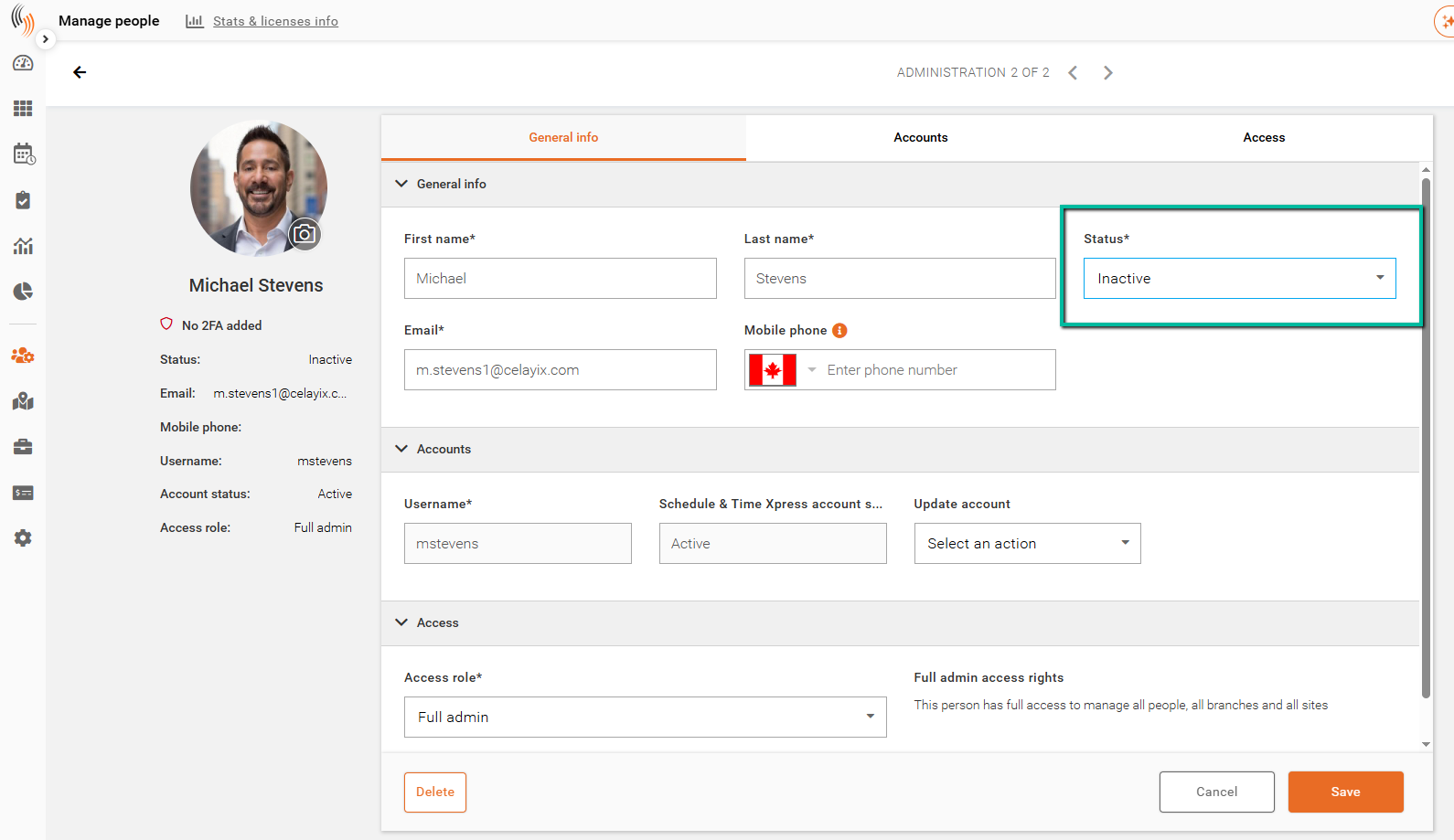
Make an Administrator Inactive
Deactivate an administrator to prevent them from accessing Schedule Xpress while preserving their account for historical records.
If an administrator no longer requires access to Schedule Xpress, you can make their account inactive instead of deleting it. This preserves historical information while preventing the user from signing in.
Access
Navigate to:
Manage People → Administrators
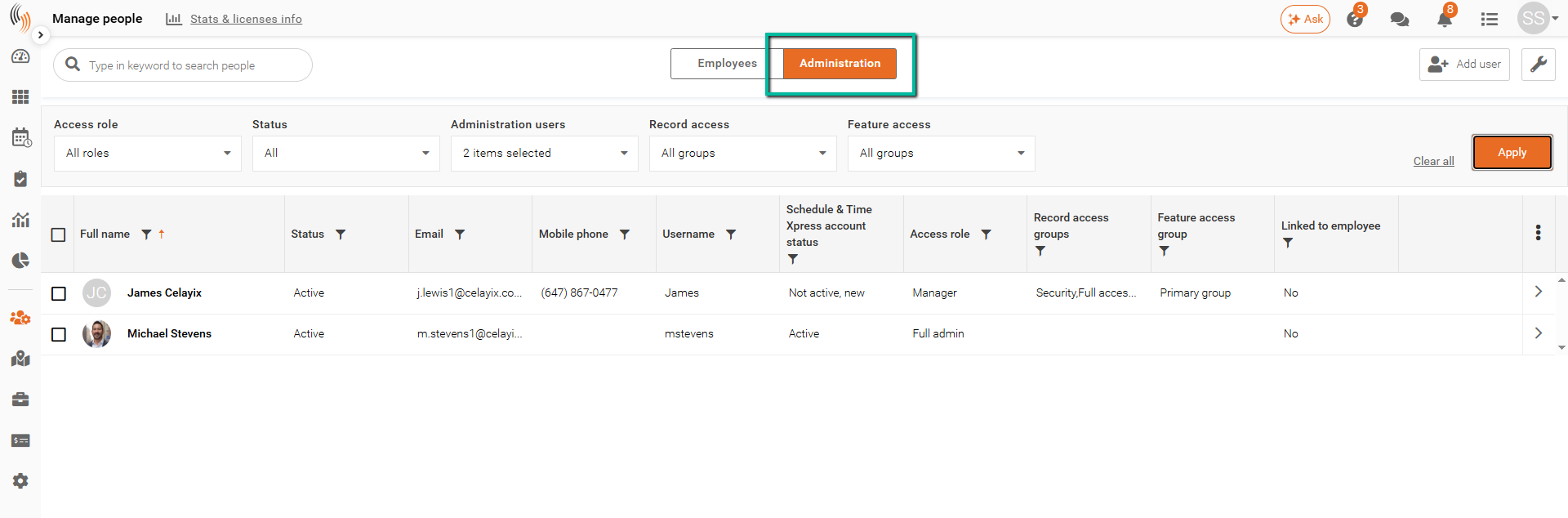
Deactivate an Administrator
- Open Manage People → Administrators.
- Locate and select the administrator you want to deactivate.
- Open the administrator's profile.
- Change the Status to Inactive.
- Click Save.
The administrator will no longer be able to sign in to Schedule Xpress while their account remains available for reporting and historical purposes.
Tip: If the administrator needs access again in the future, change their status back to Active and save the profile. Then, under Update Account, click Enable and Resend Invitation so they can activate their account and sign in again.